



Royalzino Mobile Platform
The Royalzino app brings the full casino experience to your phone or tablet without requiring a traditional download. As a progressive web app (PWA), it installs directly from our website and runs with the same performance you’d expect from a native application. Android and iOS users get identical access to the complete game library, bonus system, and account management – all in one place.



Royalzino Mobile Casino
Mobile gaming is no longer secondary to desktop play – it’s the primary way most players engage with online casinos today. We at Royal Zino developed our platform based on this reality. Every feature available on the desktop version carries over to mobile: the full library of online slots, live dealer tables, crash games, and table games all load without restrictions.
The mobile casino interface adapts automatically to screen size and orientation. Portrait and landscape modes both display correctly, and touch controls respond precisely to taps, swipes, and gestures. Slot reels spin with a tap, table game bets are placed through intuitive touch inputs, and live casino streams run without interruption on a stable connection.
Account balances, bonus progress, and game history sync in real time across all your devices. Switching from desktop to mobile mid-session requires no extra steps – log in and pick up exactly where you left off. The verification process works identically on mobile, allowing document uploads directly from your phone camera or gallery.
Royalzino App for Android
Android users install the Royalzino Casino app directly from the browser – no Google Play listing required. The PWA appears on your home screen as a standalone icon and launches just like a native app. Here’s how to get started:
- Open the Royal Zino website in Chrome or any modern Android browser.
- Tap the three-dot menu in the top right corner.
- Select “Add to Home Screen” and confirm the installation.
- Launch the Royalzino app from your home screen.
Royalzino APK
There is no separate APK file to download or configure. The progressive web app approach means the Royalzino app is always up to date the moment you open it – no manual downloads, no version mismatches, and no storage-heavy installation files. The app runs under 50 MB on device storage, leaving your phone’s capacity free for other uses.
Android version 8.0 (Oreo) and above provides full support. For the best gaming experience, we recommend Android 10.0 or later. Any modern Android browser handles the installation and performance without additional settings or permissions beyond standard browser access.
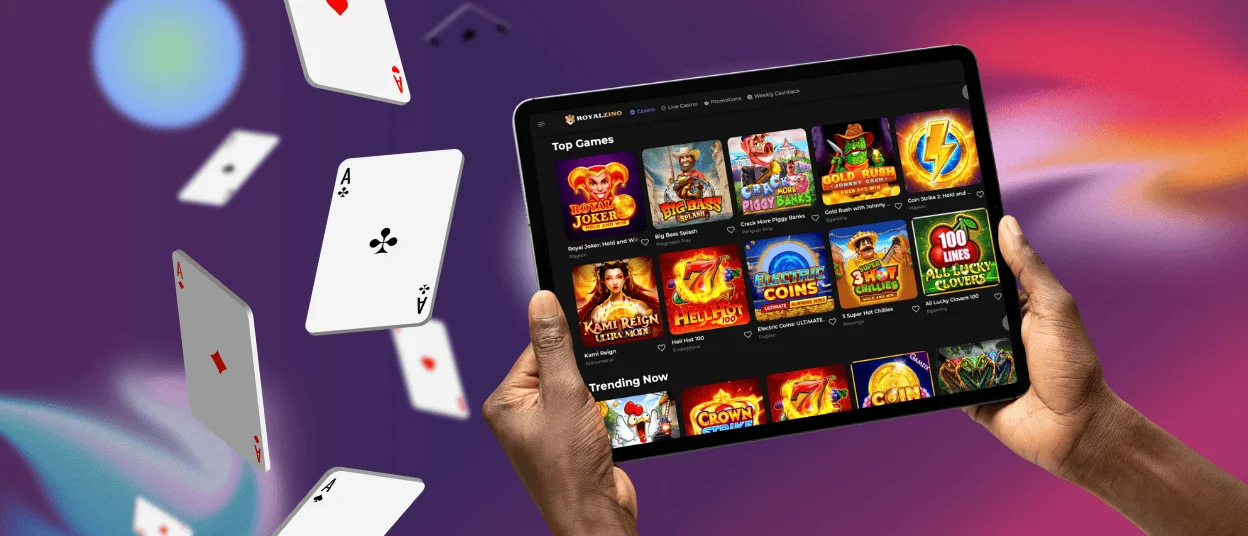
Royalzino App for iOS
iPhone and iPad users access the Royal Zino casino app through Safari. Open the website, tap the share icon, and select “Add to Home Screen.” The shortcut installs instantly, requiring no Apple ID verification and no App Store interaction. From that point, the Royalzino app opens as a full-screen experience without the browser interface visible.
iOS 12.0 is the minimum supported version, with iOS 14.0 and later providing the most consistent performance. Face ID and Touch ID integration on supported devices speeds up login while maintaining full account security. Biometric authentication removes the need to type your password every session without reducing protection.
Updates to the platform are handled automatically on the server side. When Royal Zino releases new games, features, or improvements, they become available the next time you open the app – no manual update prompts, no App Store review delays, and no action required from your side.
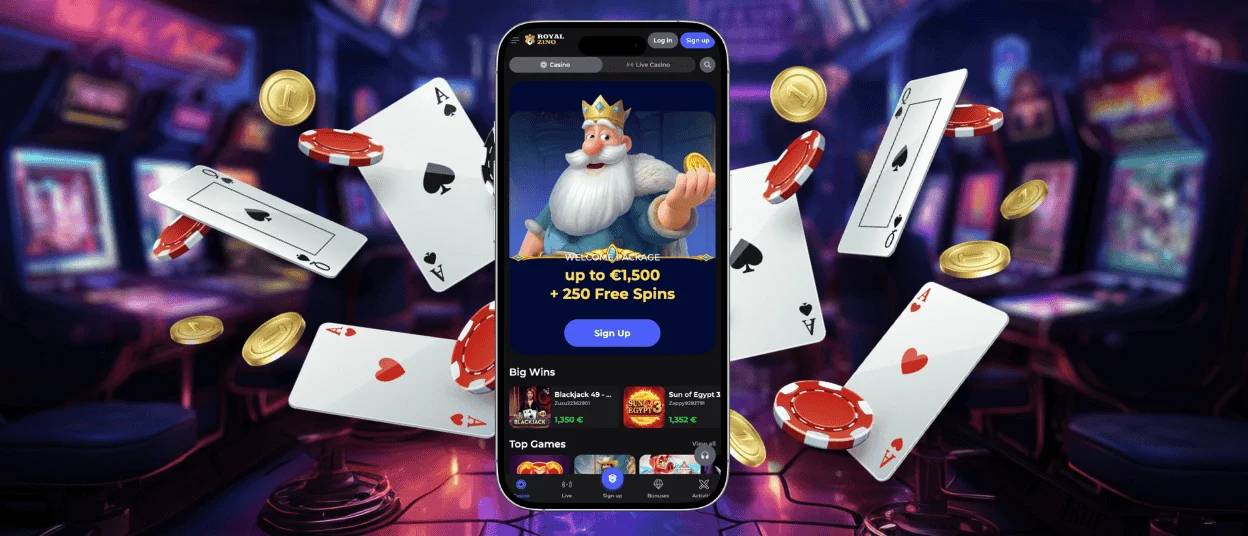
Royalzino Casino Application for Windows and macOS
Desktop users on Windows and macOS access Royalzino through any major browser – Chrome, Firefox, Safari, and Edge all render the platform correctly. No software installation is required. The site loads and functions immediately without plugins or extensions.
Browser-based access on a desktop offers a larger screen and easier multitasking for players who prefer extended sessions. The interface scales properly across monitor sizes, and all payment methods, game categories, customer support channels, and account management tools function identically to the mobile app.
For Windows users who prefer a shortcut, Chrome and Edge both support installing web apps to the taskbar using the same PWA mechanism. This provides a dedicated launch point without the overhead of a traditional software installation.
Device Compatibility
The Royalzino app supports a wide range of devices to accommodate how players actually use their phones and tablets. Screen size adaptation happens automatically – no manual configuration is needed.
| Platform | Minimum OS Version | Recommended | Storage Required |
| Android | 8.0 (Oreo) | 10.0+ | Under 50MB |
| iOS | 12.0 | 14.0+ | Under 50MB |
| Tablets (Android/iOS) | Same as above | Same as above | Under 50MB |
Tablets running Android or iOS receive the same treatment as smartphones. The interface scales appropriately for larger screens, making extended sessions more comfortable without sacrificing any functionality. Popular models including iPad, Samsung Galaxy Tab, and similar devices work out of the box.
Royalzino App — Pros and Considerations
The Royalzino app covers everything you’d expect from a full casino platform — account management, deposits, withdrawals, bonuses, and the complete game library — all accessible from your phone with a single tap. Push notifications keep you informed about active promotions and tournament starts without needing to open the platform manually. Biometric login via Face ID or Touch ID on supported devices adds a layer of convenience to daily use without compromising account security.
A stable internet connection is required during gameplay, and live casino sessions consume more battery and mobile data than standard browsing. For players who prefer extended multi-tab sessions or larger screens, desktop access remains the more practical option.
| Pros | Considerations |
| One-tap access and quick launch of games and account features | Requires internet connection during gameplay |
| Push notifications for bonuses, promotions, and updates | High battery and mobile data usage during live casino sessions |
| Enhanced security with biometric login (Face ID / Touch ID) | Some features may require the latest app version |
| Optimized performance for smooth gameplay and fast loading | Not available in certain regions due to local app store policies |
| Convenient account management — deposits, withdrawals, support in one place | Desktop preferred for extended multi-tab sessions |
Cross-Browser Performance
Players who prefer browser-based access find full compatibility across Chrome, Safari, Firefox, and Edge on both desktop and mobile devices. No plugins or extensions require installation – the Royalzino Casino site loads and functions immediately regardless of which browser you use.
Browser performance stays stable during extended sessions. Memory management keeps the platform responsive even after hours of play. Auto-save features protect your session if connectivity drops momentarily, restoring your position when the connection returns. For the most consistent gaming experience, keeping your browser updated to its latest version ensures access to current security protocols and performance optimizations.
Security and Player Protection
The Royal Zino mobile platform maintains the same security infrastructure as the desktop version. TLS 1.3 encryption protects all data transmission between your device and our servers. Two-factor authentication adds an extra verification layer for account access and sensitive operations, and session management lets you view active logins and remotely sign out from any device you no longer use.
The verification process is straightforward and handled entirely within the app. Document uploads are accepted directly from your phone camera or gallery, and the Support Team guides players through any step of the process via live chat. Completed verification unlocks full withdrawal access and higher transaction limits.
All financial transactions – deposits and withdrawals – are processed with the same encrypted infrastructure used on desktop. Cards, e-wallets, cryptocurrencies, and bank transfers all function through the mobile interface. Transaction history in your account displays complete records, filterable by date, type, or status.
FAQ
Is there customer support in the Royalzino Casino app?
The Support Team is available 24/7 through live chat accessible directly from the app menu. Tap the support icon to open a conversation with a team member. Email support is also available via mobile for detailed inquiries that require attachments or screenshots.
Do I need an account to use the Royalzino app?
Installing the app on your device does not require an account. However, accessing real-money games, bonuses, deposits, and withdrawals requires a registered and verified Royalzino Casino account. New players can complete the full registration process directly through the app.
Are all games available in the app?
The complete library – over 6,000 online slots, table games, live dealer titles, and crash games – is available through the mobile app. Game providers optimize their titles for touch interfaces, maintaining the same visual quality and bonus features as the desktop version.
How can I update the Royalzino Casino app?
No manual update is necessary. The Royalzino app operates as a progressive web app, meaning all updates are applied automatically on the server side. Every time you open the app, you access the latest version with no action required on your part.


